Where Is the Google OAuth Client ID and Secret?
Google Cloud Console > Google Auth Platform > Clients. Why the secret only shows its last 4 characters, how to rotate it, and fixing redirect_uri_mismatch.
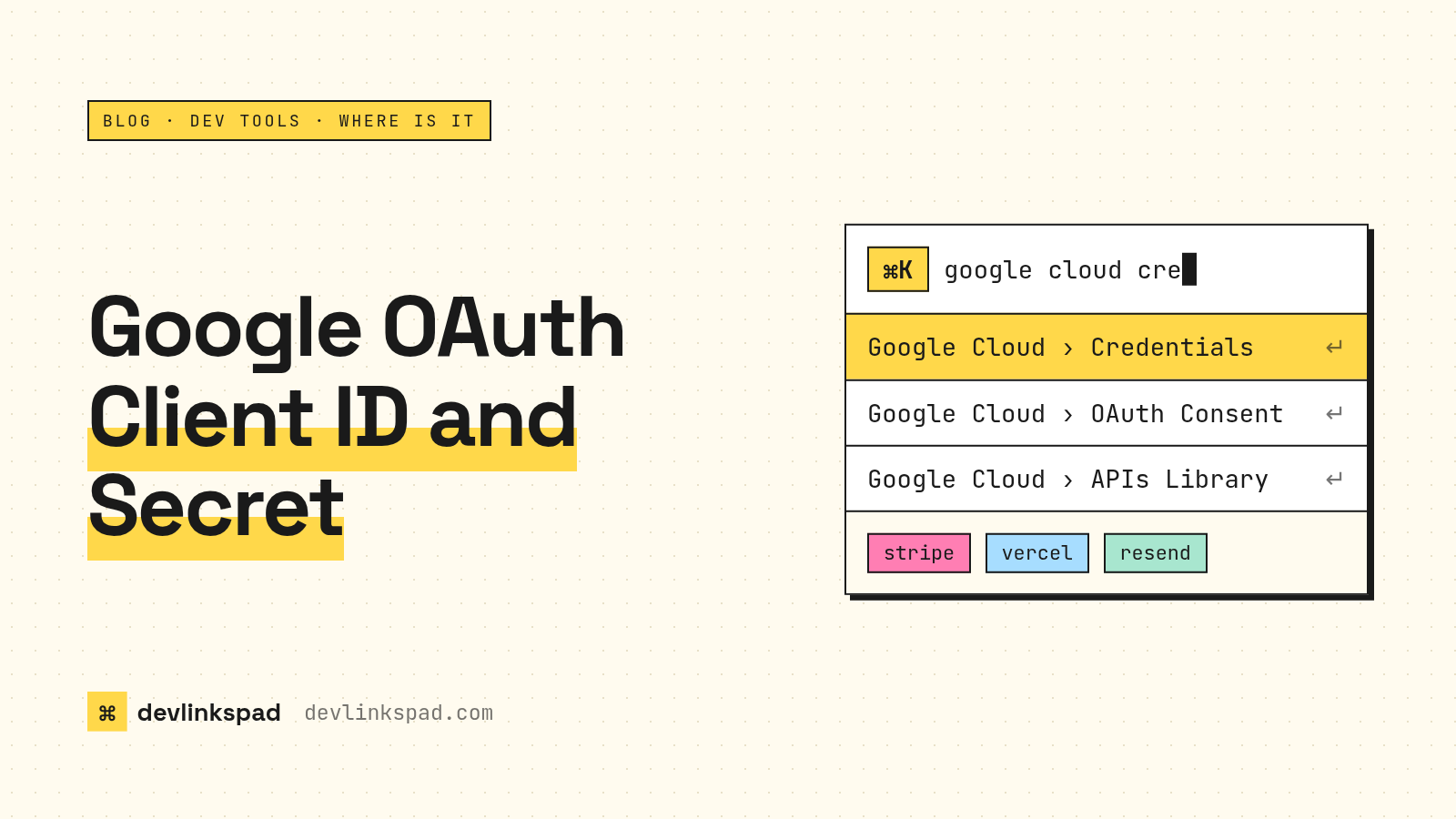
Open Google Cloud Console, pick your project, then go to Google Auth Platform > Clients (console.cloud.google.com/auth/clients) and click your OAuth client. The client ID is right there. The client secret is not: Google now shows the full secret only once, when you create it, and after that only its last four characters (Google Cloud Help). If you lost it, add a new secret, update your app, then disable the old one.
Where exactly is the Clients page?
Two routes get you there:
- New menu: Menu > Google Auth Platform > Clients. Google moved OAuth setup out of APIs & Services into its own section (Google Developers Blog).
- Old menu: APIs & Services > Credentials still lists your clients under OAuth 2.0 Client IDs.
Check the project picker at the top first. The most common reason a client "disappeared" is that you are looking at the wrong project.
Why can't I see my client secret anymore?
Google started masking OAuth client secrets in 2025. Secrets are hashed, so the console can't show them again. It displays the last four characters only so you can tell secrets apart. Google's help page says this applies to new clients created after June 2025, with existing clients brought in starting November 2025.
So if you copied the secret into a .env file a while ago, that file may be the only full copy that exists. Check your password manager, your hosting provider's environment variables, or your secret manager before rotating anything.
How do I get a new client secret?
Use secret rotation:
- Open the client on the Clients page.
- Add a new secret and copy it immediately. It will not be shown again.
- Put the new secret in your app's environment variables and redeploy.
- Confirm sign-in works.
- Disable the old secret, then delete it once nothing uses it.
Rotation lets both secrets work for a while, so you don't have downtime while you switch.
Which client type needs a secret?
Server-side web apps use a client ID plus a secret, because the secret stays on your server. Android, iOS and browser-only JavaScript apps are public clients and don't use a secret. Desktop app clients do get one, but Google doesn't treat it as secret, since anything shipped to a device can be extracted. That's why Google tells desktop apps to always use PKCE (Google's desktop app guide). If you are building a Next.js app with server routes, you want the Web application type.
How do I fix redirect_uri_mismatch?
The redirect URI your app sends has to match one of the client's Authorized redirect URIs exactly. Check:
httpvshttpswwwvs nowww- A trailing slash on one side but not the other
- The exact callback path your auth library uses, such as
/api/auth/callback/google - That you added it to the same client whose ID your app is using
Google notes that changes can take 5 minutes to a few hours to take effect, so a fix that "didn't work" may just need a few minutes.
Where did the OAuth consent screen go?
Into the same Google Auth Platform section. Authorized domains and your app's branding are under Branding, user type is under Audience, and scopes are under Data Access.
Why did my OAuth client vanish?
Google automatically deletes OAuth clients that have been inactive for six months. Deleted clients can be restored from the deleted credentials page for 30 days. After that they are gone.
Getting there faster with devlinkspad
This is the kind of page we built devlinkspad for. Hit ⌘K, type "google cloud", and jump straight to the Credentials page or the OAuth consent settings, along with links for billing, the API library and status. devlinkspad is free and covers 146 developer tools, as a Chrome extension or an Omarchy plugin.
Checklist: Google OAuth credentials
- Right project selected in the picker
- Client ID copied from Google Auth Platform > Clients
- Secret stored in a secret manager or env vars, not in git
- Lost secret? Add a new one, deploy, then disable the old one
- Redirect URIs match exactly, including the trailing slash
- Waited a few minutes after changing settings
- Unused clients cleaned up before Google deletes them for you
FAQ
Can I recover an old Google client secret?
No. Google can't show it again. Create a new secret with rotation and update your app.
Is the client ID secret?
No. The client ID is public and appears in sign-in URLs. The client secret is the part to protect.
Where do I find the client ID in a downloaded JSON file?
Look for the client_id field. Since the masking change, download the JSON when you create the client or a new secret, because you won't be able to get the secret later.
For more "where is that setting" answers, see where is the Vercel tokens and env vars page.
Press ⌘K. Every dashboard, one keystroke away.